
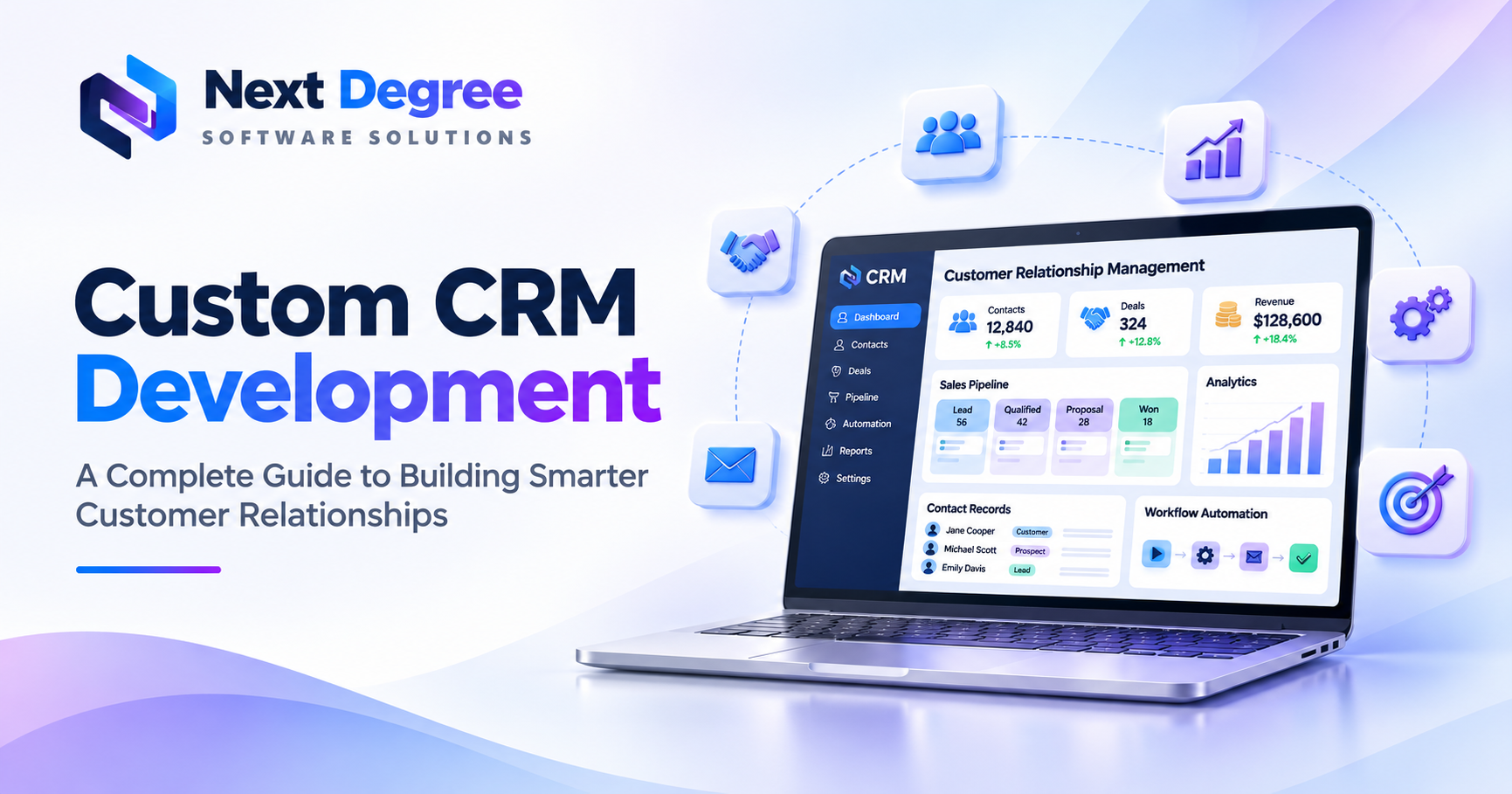
Custom CRM Development: A Complete Guide to Building Smarter Customer Relationships
Building strong customer relationships is essential for sustainable business growth. However, as organizations expand, managing customer information, sales activities, and communication across multiple platforms becomes increasingly challenging.
Many businesses rely on spreadsheets, disconnected applications, or standard Customer Relationship Management (CRM) platforms to organize their operations. While these tools can be effective, they may not always accommodate specialized workflows or evolving business requirements.
This is where custom CRM development offers a strategic alternative.
By creating a CRM system tailored to specific operational needs, businesses can centralize customer information, automate repetitive tasks, improve team collaboration, and gain greater control over their customer management processes.
But developing a successful custom CRM requires more than technical expertise. It involves understanding business objectives, designing intuitive workflows, protecting sensitive data, and building a scalable system that supports long-term growth.
In this guide, we explore what custom CRM development involves, its essential features, business benefits, development process, costs, and the factors organizations should consider before investing in a customized solution.
What Is Custom CRM Development?
Custom CRM development is the process of designing and building a Customer Relationship Management system specifically for an organization's workflows, operational requirements, and business objectives.
A CRM system helps businesses manage customer information, track interactions, organize sales activities, and coordinate communication across departments.
Unlike ready-made CRM platforms that provide predefined functionality, a custom-built CRM can be designed around the organization's existing processes.
For example, a real estate company may need property-specific sales pipelines, while a healthcare service provider may require specialized appointment coordination and controlled access to sensitive information.
Custom CRM solutions can accommodate these requirements without forcing every department to follow a generic workflow.
However, customization also introduces responsibilities involving development, maintenance, infrastructure, and security.
The goal is not simply to build a unique application, but to create a practical system that improves business efficiency and customer relationship management.
Custom CRM vs. Off-the-Shelf CRM: What's the Difference?
When selecting a CRM solution, businesses generally consider two approaches: adopting an existing platform or developing a customized system.
Off-the-shelf CRM solutions typically offer established functionality, subscription-based pricing, and relatively straightforward implementation.
They can be particularly suitable for organizations with common sales and customer management requirements.
Custom CRM development, on the other hand, allows businesses to define their own workflows, interfaces, integrations, and data structures.
Key Differences
Customization: Ready-made platforms offer configurable features, while custom CRM systems provide greater flexibility in designing specialized functionality.
Implementation: Existing platforms generally enable faster initial deployment, whereas custom development requires planning, design, coding, and testing.
Costs: Standard CRM products often involve recurring licensing fees. Custom systems usually require a larger initial investment and ongoing maintenance expenses.
Integrations: Both approaches can support integrations, although custom solutions allow organizations to build connections around unique technical requirements.
Control: Custom development can provide greater control over application architecture, deployment, and feature priorities, depending on contractual and hosting arrangements.
Neither approach is universally superior. The appropriate choice depends on business complexity, budget, available resources, and long-term objectives.
Key Benefits of Custom CRM Development
A well-designed custom CRM can deliver meaningful advantages across sales, marketing, and customer service operations.
1. Centralized Customer Information
Customer information is often distributed across emails, spreadsheets, communication platforms, and departmental systems.
A custom CRM can bring relevant information into a structured environment, giving authorized employees a more consistent view of customer interactions.
This helps reduce fragmented records, improve collaboration, and support more informed customer communication.
2. Improved Sales Pipeline Management
Sales teams need clear visibility into opportunities, customer interactions, and follow-up activities.
Custom CRM software can organize sales processes according to the organization's actual business model.
For example, a company with multiple approval stages can configure its CRM to track opportunities through each stage, assign responsibilities, and monitor progress.
This visibility helps managers identify delays and support more consistent sales operations.
3. Workflow Automation
Repetitive administrative tasks can consume valuable employee time.
CRM workflow automation can simplify processes such as assigning leads, scheduling follow-ups, sending notifications, and updating opportunity statuses.
By reducing manual work, employees can dedicate more attention to customer relationships and higher-value activities.
4. Better Reporting and Business Insights
Custom CRM systems can provide dashboards and reports tailored to relevant business performance indicators.
Organizations may track lead conversion rates, customer acquisition activities, sales pipeline value, and service response times.
These insights help decision-makers evaluate performance, identify operational challenges, and plan improvements based on available data.
5. Greater Flexibility and Scalability
As organizations grow, their CRM requirements may change.
A properly designed custom CRM can accommodate additional users, workflows, integrations, and business functions.
However, scalability depends on thoughtful architecture, sufficient infrastructure, and ongoing technical maintenance.
Essential Features of a Custom CRM System
The features included in custom CRM software should reflect business priorities rather than unnecessary technical complexity.
Contact and Lead Management
A centralized system for storing customer profiles, managing leads, recording interactions, and organizing communication history.
Sales Pipeline Tracking
Visual pipelines help sales teams monitor opportunities, update deal stages, assign tasks, and manage follow-up schedules.
Workflow Automation
Automated notifications, task assignments, reminders, and approval workflows help improve operational consistency.
Reporting and Analytics
Custom dashboards provide visibility into selected performance indicators, sales activities, customer engagement, and operational results.
Third-Party Integrations
CRM integrations can connect the system with email services, websites, accounting platforms, customer support software, and other approved business tools.
Role-Based Access Control
Access permissions help ensure employees can view or modify only the information necessary for their responsibilities.
Mobile-Friendly Access
Responsive interfaces allow authorized employees to access relevant customer information and complete tasks using different devices.
Not every business needs every feature immediately. Prioritizing essential functionality helps control development costs and reduce unnecessary complexity.
The Custom CRM Development Process
Successful custom CRM software development requires a structured process that combines business analysis, technical planning, and continuous evaluation.
Step 1: Business Requirements Analysis
Development begins with understanding existing workflows, operational challenges, user roles, and business objectives.
Stakeholder interviews and workflow mapping help identify the functionality that the CRM should provide.
Step 2: System Planning and Architecture
The development team defines the CRM's technical architecture, database structure, integration requirements, and security considerations.
These decisions establish the foundation for performance, reliability, and future expansion.
Step 3: UI/UX Design
The interface should support everyday tasks without unnecessary complexity.
Clear navigation, intuitive dashboards, and accessible forms help employees use the system efficiently.
Early prototypes also allow stakeholders to evaluate workflows before full development begins.
Step 4: Development and Integration
Developers implement the agreed functionality, including customer management, sales workflows, reporting tools, and external integrations.
An incremental development approach can make it easier to test features and incorporate feedback.
Step 5: Testing and Quality Assurance
Testing should evaluate functionality, data accuracy, access permissions, security, performance, and compatibility.
Particular attention should be given to protecting customer information and verifying integration reliability.
Step 6: Deployment and Employee Training
After testing, the CRM is deployed to the selected environment.
Employees should receive training appropriate to their responsibilities, while existing customer records may need to be cleaned and migrated carefully.
Step 7: Maintenance and Continuous Improvement
Ongoing maintenance includes security updates, performance monitoring, bug fixes, and improvements based on user feedback.
This process helps the CRM remain useful as business requirements evolve.
How Much Does Custom CRM Development Cost?
The cost of developing a custom CRM varies significantly depending on project requirements.
A relatively simple system focused on contact management and basic sales tracking will generally require fewer resources than an enterprise CRM supporting multiple departments and complex integrations.
The main cost factors include:
- Functional complexity: The number and sophistication of required features.
- User experience requirements: The complexity of dashboards, interfaces, and user workflows.
- Integrations: Connections with third-party services, internal databases, and legacy systems.
- Security requirements: Authentication, permissions, encryption, and compliance considerations.
- Infrastructure: Hosting, databases, monitoring, and scalability requirements.
- Maintenance: Updates, technical support, testing, and future enhancements.
Businesses should evaluate the total cost of ownership rather than focusing exclusively on initial development expenses.
A phased implementation can help organizations validate essential functionality before investing in additional features.
Common Challenges in Custom CRM Development
Despite its benefits, custom CRM development introduces challenges that require careful planning.
Unclear requirements: Incomplete business analysis can lead to unnecessary features and costly revisions.
Data migration: Moving information from spreadsheets or existing CRM platforms requires validation, cleaning, and careful mapping.
Employee adoption: Even technically advanced software may deliver limited value if employees find it difficult to use.
Security and privacy: CRM systems frequently handle sensitive customer information and require appropriate protection.
Maintenance responsibilities: Custom software needs continuous updates, monitoring, and technical support.
Addressing these challenges early improves the likelihood of successful implementation.
The Role of AI in Modern Custom CRM Solutions
Artificial intelligence is expanding the capabilities of customer relationship management systems.
AI-powered CRM features can support lead classification, customer segmentation, predictive analytics, and intelligent task automation.
For example, machine learning models may help sales teams identify leads that are more likely to convert based on relevant historical data.
Natural language processing can also assist with summarizing customer interactions, categorizing inquiries, and retrieving information from authorized CRM records.
However, AI recommendations should be evaluated for accuracy, privacy, fairness, and practical business value.
Rather than introducing AI into every CRM function, organizations should identify specific use cases where intelligent capabilities offer measurable improvements.
Expert Insight: When Should a Business Invest in Custom CRM Development?
Not every organization needs a fully customized CRM.
Businesses with straightforward workflows may find that an established CRM platform meets their requirements effectively.
Custom development becomes more relevant when existing systems cannot support important operational processes without excessive workarounds.
Before investing, organizations should evaluate three essential questions:
1. Are existing CRM limitations affecting business performance?
Identify whether current tools create measurable problems involving productivity, data management, or customer service.
2. Can configuration or integration solve these problems?
Explore whether adapting an existing platform would provide the required functionality at a lower total cost.
3. Will the custom system deliver sustainable value?
Estimate the benefits of improved workflows, reduced manual effort, and better reporting against development and maintenance costs.
A practical approach is to begin with a minimum viable product (MVP) that addresses the most important operational challenges.
The system can then expand based on real employee feedback and measurable results.
This approach helps businesses avoid unnecessary complexity while building a CRM that supports their long-term objectives.
Conclusion
Custom CRM development provides businesses with an opportunity to create customer management systems designed around their operational needs rather than predefined software limitations.
From centralized customer information and sales automation to personalized reporting and scalable architecture, a well-planned CRM can improve internal coordination and support stronger customer relationships.
However, successful implementation requires clear requirements, thoughtful system architecture, effective security measures, employee training, and ongoing maintenance.
For organizations evaluating custom CRM software, the most important decision is not whether customization is technically possible, but whether it provides sufficient value compared with available alternatives.
Build a CRM That Fits Your Business with Next Degree
Every business has unique processes, customer relationships, and growth objectives. Your CRM should support those requirements rather than introduce unnecessary complexity.
At Next Degree Software Solutions, we help businesses explore tailored software solutions designed to improve operational efficiency, streamline workflows, and support scalable digital growth.
Whether you are considering a new CRM system or improving existing customer management processes, choosing the right development strategy is an important first step.
Enterprise Software Development: A Complete Guide for Modern Businesses
Custom Web Development : Benefits, Process & Solutions
Custom CRM Development: Benefits, Features & Business Growth
Custom ERP Development : Benefits, Features & Solutions